
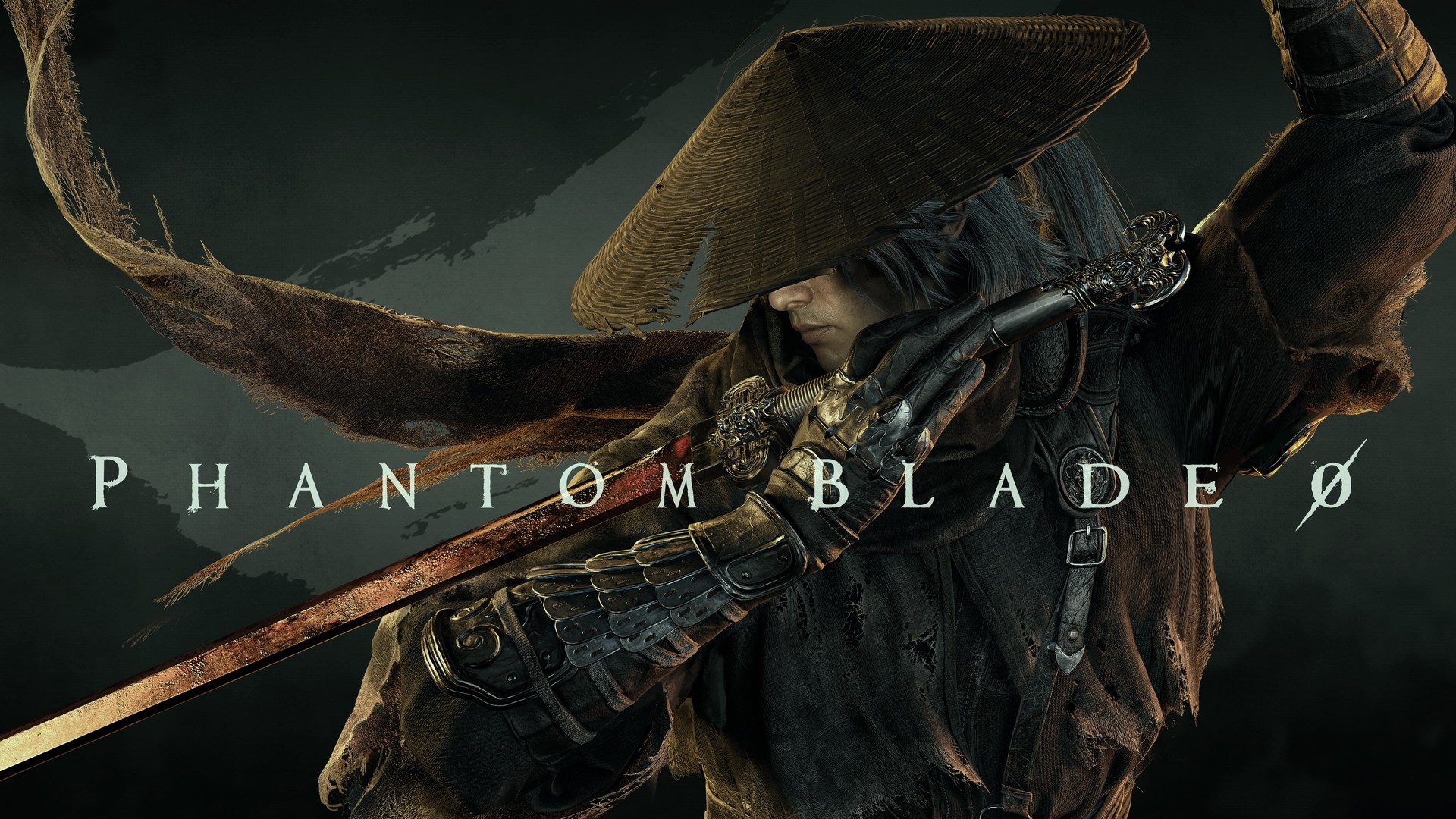
Phantom Blade Zero update 1.0304629 arrived Saturday, November 28 on PS5 and PC, and the headline change is a new Combat Assist section in Settings that lets you stop the camera from fighting you. S-GAME says the download is about 7 GB, and the patch also trims memory use, closes four damage exploits and clears several progression blockers.
Phantom Blade Zero Update 1.0304629 Puts the Strong Camera Behind a Toggle
The new Automatic Strong Camera Assist option controls how hard the camera swings to frame an enemy. With it turned off, strong camera assistance applies only while you are attacking. The rest of the time the camera makes only minor adjustments, so exploring and dodging no longer drag your view around.
S-GAME also improved how the game picks a target when you lock on automatically. On PC there is a new Mouse Lock-On Target Switching Sensitivity slider. Set it to 0 and mouse movement stops switching targets altogether.
Memory Use Drops Most in Cutscenes and Snow
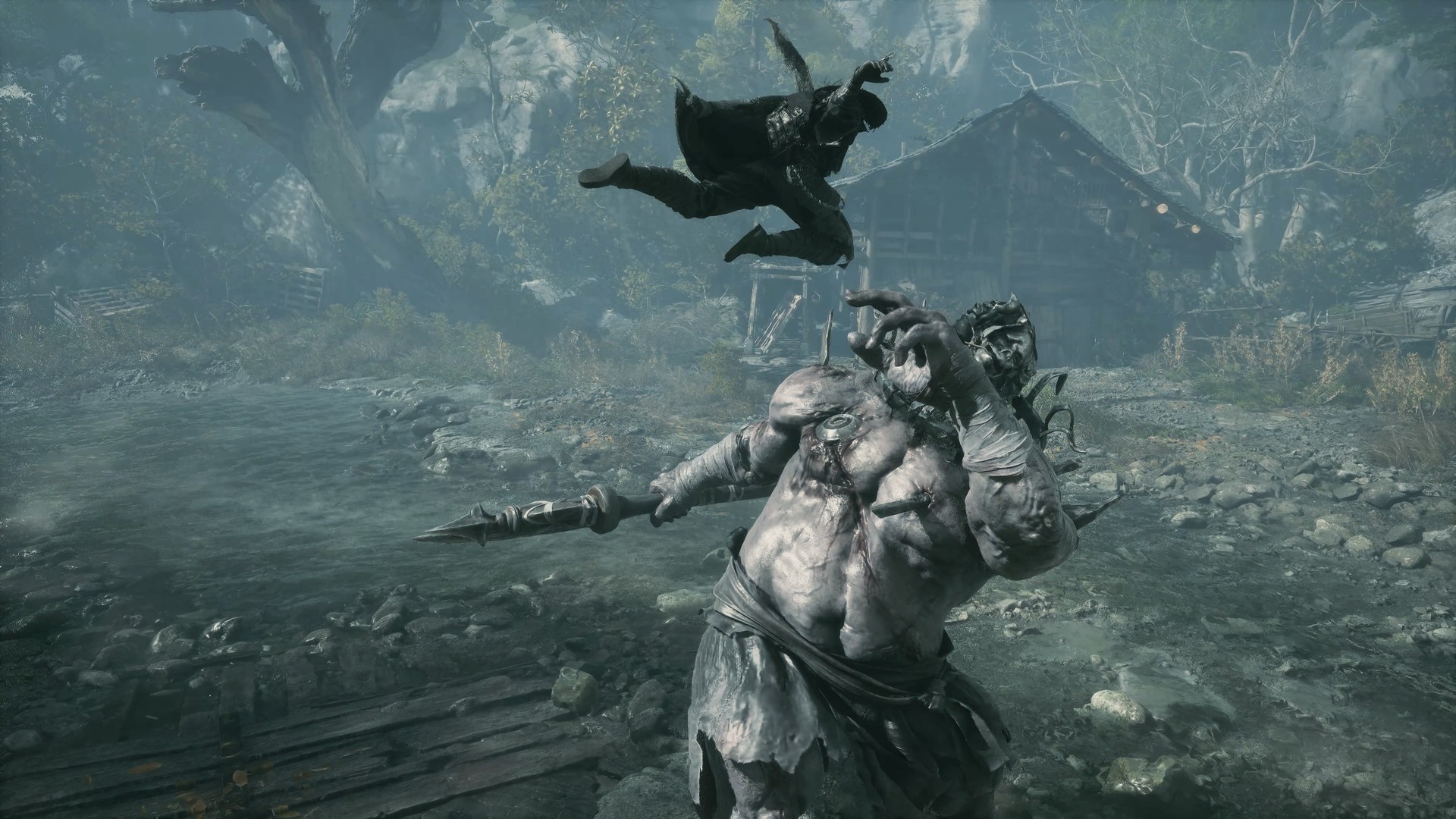
S-GAME says video memory and system memory use both go down, with the biggest drops in cutscenes and snowy areas. It also lists better performance in certain areas and boss fights and less stutter from certain visual effects. Movement over small rocks, low steps and gentle slopes should hitch less, too.
The Soft Snake Sword gets a control change. You now hold Execute to perform Sword Blossom Shield, and the sidestep invulnerability window in Guard Stance is longer. On PC, a bug that put bright square artifacts in volumetric clouds on AMD Radeon RX 9000 Series cards with certain drivers is fixed.
Four Damage Exploits Now Work as Designed
Several of the combat fixes change builds that were stronger than intended:
- Earthshaking Slam, the War Wagon Phantom Edge skill, could hit repeatedly and stack damage until most enemies went down in one use. It now deals damage once per use.
- The Dance Fan accessory’s damage bonus stayed active after the attack and stacked across all skills. It now applies once per use to skills that move you a single time.
- The Nuo Mask accessory also cut the Remnant Spark cost of Artifice-type Phantom Edges, which let you use them over and over for free. The discount now covers Summon-type Phantom Edges only.
- Fatal Execution, the advanced skill unlocked through Sanguine Reach, dealt the wrong stagger damage with any two-handed weapon and staggered enemies every time.
If your build leaned on any of those, expect it to feel different now. S-GAME also fixed enemies that stayed invisible but could still attack after a bell reset, bosses that stopped acting mid-fight, a Chill resistance stat that did not work, consecutive dodges failing with certain weapons, and unintended damage from some of the Blizzard Blademaster’s unblockable attacks.
Stuck Progress and a Missing 100 Percent
The progression fixes are the other big batch. Players who got stuck after touching a bell or opening a chest right after a boss fight should be able to move again, and several spots where characters got stuck or fell unexpectedly are patched. Reward and quest-completion bugs are fixed too.
Anyone who handed over certain books and could not reach 100 percent item collection gets the missing items back automatically the next time the game loads. On PC, the Defy Destiny achievement now unlocks on your next launch if you already have every other achievement.
PC Players: Pull Mods First and Clear the Shader Cache if It Stutters
S-GAME warns that some third-party mods may not work with this patch and recommends removing them before you update. If Steam shows a download far bigger than 7 GB, or the game misbehaves afterward, look for leftover mod files, delete them, then retry the update or relaunch.
If you see crashes or stutter after updating, clear the shader cache. In your Steam Library, right-click Phantom Blade Zero, choose Manage, then Browse Local Files, open PBZ\ProjectPBZ\Saved\Cache and delete what is inside. The shaders recompile the next time you launch. Phantom Blade Zero is $59.99 on Steam and isn’t on GOG. If it comes to GOG later, that is the DRM-free copy to pick.
Our release-time guide has the editions and PC specs, and the Phantom Blade Zero game page collects everything else we have covered.
Combat Assist is the change to try first. With Automatic Strong Camera Assist off, the camera only makes minor adjustments outside of your attacks.
In the Games Database
Phantom Blade Zero