
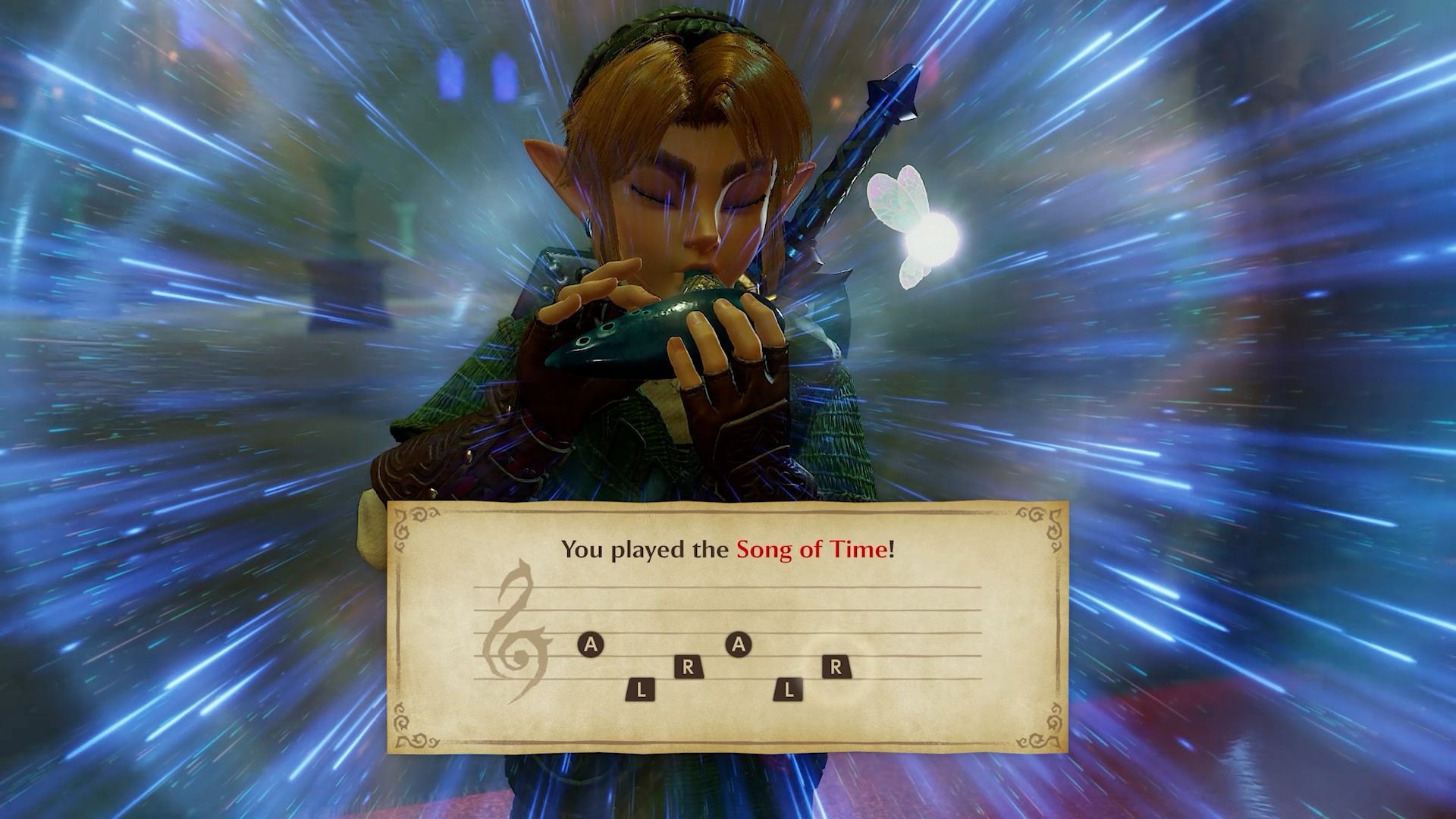
After the first chapter, Ocarina of Time on Switch 2 already feels like an atmospheric new entry.
The remake is out now on Switch 2 at $59.99 digital and $69.99 physical, and the picture really pushes what the hardware can show. Early areas feel richer than a straight remaster: inviting water, soft ground fog in spots, and a denser sense of place that makes the classic open like a fresh visit.
Switch 2 Atmosphere After Chapter One
Chapter one already sells the remake’s mood. The overall look pushes Switch 2 harder than a simple resolution bump on the N64 classic, and small environmental reads do a lot of the work. Water looks deep and calm enough that the first river or pond makes you slow down on purpose. In certain stretches a soft fog curls around Link’s legs as you walk, one nice touch among several that make Hyrule feel present again.
Useful launch facts are still below: when the eShop unlocked by zone, the download size, the Options worth touching before Kokiri Forest, and the early-purchase wallpaper window.
9 p.m. PT Wednesday on the eShop
| Time zone | Unlock |
|---|---|
| Pacific | 9:00 p.m. Wednesday, Nov. 4 |
| Mountain | 10:00 p.m. Wednesday, Nov. 4 |
| Central | 11:00 p.m. Wednesday, Nov. 4 |
| Eastern | 12:00 a.m. Thursday, Nov. 5 |
Carts went on sale Thursday, November 5. Nintendo Store orders and retail copies follow shipping and store hours, not the eShop clock. If you have not bought yet, our digital vs physical guide breaks down which one to grab.
The 27 GB Download and Four Other Checks
- The download. eShop pre-orders should already be on your system. Nintendo’s US store lists an estimated 27 GB and the UK page says 24.5 GB, so clear room before you buy.
- System update. A pending Switch 2 update is the usual reason a pre-loaded game refuses to launch at unlock.
- Save backup. Save Data Cloud needs a Nintendo Switch Online membership. Without one, your save lives only on the console.
- Your phone. ZELDA NOTES is in the free Nintendo Switch App. Link it now and the Gossip Quests and 2,000-question quiz are ready when you want them.
- An amiibo. Any Legend of Zelda amiibo gives in-game extras. Check the drawer.
Five Settings Before Kokiri Forest
No version of Ocarina has handed players this many knobs. Five are still worth touching before your first step outside:
- Aiming. The Fairy Bow and Hookshot aim with motion controls or buttons, set in the Options menu. Pick early. You will be aiming a lot.
- Jump button. Previewers reported jump sits on X by default and can move to B. Years of Breath of the Wild muscle memory say swap it now.
- HUD. Hands-on reports list three settings: Normal, Pro, and Master. Normal keeps the always-on map. Master strips the screen bare for players chasing the 1998 feeling.
- Ocarina input. Play songs by humming or playing an instrument into the Switch 2 microphone, or stick with buttons. Late-night players with sleeping roommates know which one to pick.
- HDR and VRR. Both work on compatible TVs. If colors look washed out, check the TV’s HDR mode before blaming the game.
Threads of Time and Navi on Demand
This is the most forgiving Ocarina of Time Nintendo has shipped. Threads of Time tracks your progress and next objectives, and Navi gives advice on demand instead of on a timer. We broke down the new-player tools and the jump, dash, and camera changes earlier, so you can start already knowing what changed from the N64 version.
Review Scores Are In, Previews Were Glowing
Review scores are in, and our Ocarina of Time Switch 2 reviews roundup collects them. Our previews post still has the October hands-on impressions. Most previewers came away impressed with the visuals and the new controls.
The Zelda 40th Wallpaper Lands After November 23
eShop buyers still qualify for the early purchase bonus. Buy before November 23 at 11:59 p.m. PT and Nintendo emails a Legend of Zelda 40th Anniversary wallpaper through My Nintendo after the promotion ends. It will not show up right away, so do not go hunting for it.
Go say hi to the Deku Tree.