
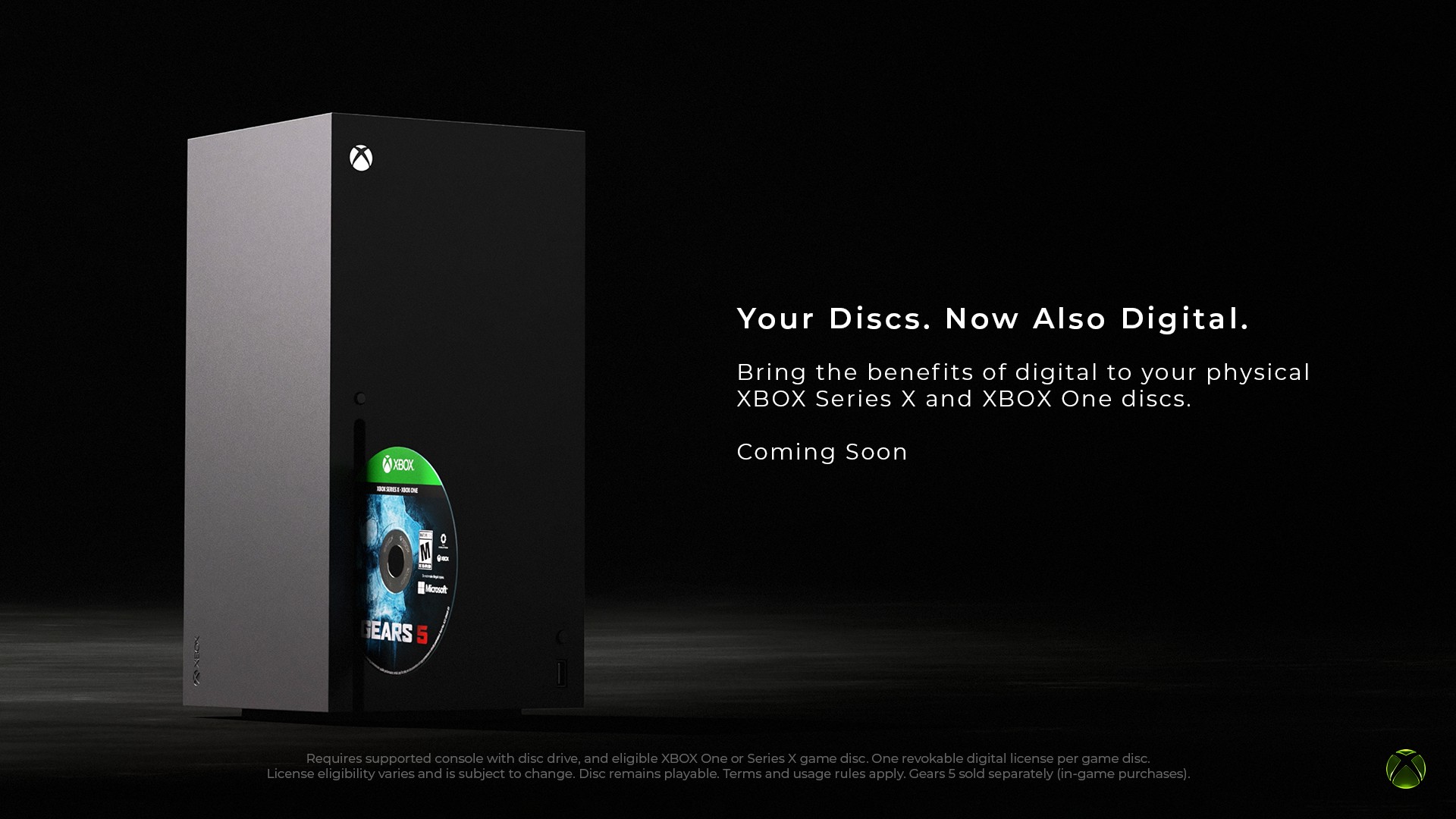
Xbox Disc-to-Digital is no longer Insider-only. As of late September 2026, Microsoft rolled the feature out to all Xbox players, so anyone with a disc-drive console can claim digital licenses from eligible Xbox One and Xbox Series discs. Xbox Wire framed it as flexibility for libraries people already own. The Verge confirmed the all-players launch after the Insider test window.
This is not a claim that discs are dead. It is a bridge: keep the plastic you paid for, and get digital-style access on top when a title is supported.
How it actually works
Insert an eligible Xbox One or Xbox Series disc into an Xbox One or Series X (anything with a drive), signed into your account. Claim the digital license when the console offers it – Engadget notes a confirmation popup when the entitlement lands. After that, you can install and play without the disc in the tray. The disc itself still works the way it always did. You did not convert-and-destroy anything.
The important fine print: the license follows the disc, not a permanent free unlock stapled to your gamertag forever. If you sell, lend, lose, or otherwise no longer hold the qualifying disc, Digitized benefits can be limited or revoked. When the next owner inserts that disc, they can claim it. Second-hand stays second-hand. That is the part a lot of hot takes skip.
| Step | What happens |
|---|---|
| 1. Insert disc | Eligible Xbox One / Series disc in a drive console, account signed in |
| 2. Claim license | Console creates a disc-tied digital entitlement |
| 3. Play digital | Install / launch without the disc in the tray |
| 4. Keep the disc | Physical still works; selling or lending can move the license with it |
Series S cannot claim licenses itself – no disc drive. Once you claim on a friend’s Series X, a family Xbox One, or your own disc console, that entitled account can play on Series S and other supported Xbox devices the same way a store buy would. That is the practical win for all-digital households that still own a stack of cases somewhere.
What you unlock (and what you do not)
Where a game already supports Xbox Play Anywhere, Cloud Gaming, or play on supported handhelds, the claimed license can ride those rails. Claiming does not magically add Play Anywhere or cloud to a title that never had them. Think of Disc-to-Digital as unlocking the digital entitlement path the store already defined for that SKU.
Not every disc qualifies. Xbox Wire said most Xbox One and Series disc games are in scope, with more titles added over time. Xbox 360 and original Xbox discs are out for now. Publishers matter too – Ubisoft and Sega support ramped after the Insider phase, and community trackers have confirmed hundreds of titles, including some long-delisted games that become playable digitally again if you still own the disc (Deadpool and Minecraft: Story Mode are the examples outlets keep citing). That delisted revival angle is real preservation value for people who never tossed their cases.
Storage and day-to-day caveats
Digital play still means a full install on your SSD unless you are streaming via Cloud Gaming. Claiming a license does not shrink file sizes or give you infinite free space. If you were spinning discs partly to save storage, you will still need to manage installs the way digital owners already do.
Batch claiming tip from Microsoft coverage: turn off “play disc automatically” if you plan to swap a pile of discs in one sitting, so you are not launched into every game mid-queue. Digitized titles get a badge in your library so you can see what is done versus what still needs a claim pass.
Why this matters without the doom scroll
Physical and digital do not have to be a culture war. Disc-to-Digital is Microsoft saying the decade of Xbox One and Series plastic you already bought should move forward with you – onto Series S, PC (when Play Anywhere applies), cloud sessions, and whatever disc-light hardware comes next – while the used market keeps functioning because the license stays tied to the disc.
If your shelf is full of Xbox One cases and you finally bought a Series S, this is a good week to borrow a drive console for an afternoon and claim what you care about. If you prefer leaving discs in the tray forever, nothing forces you to claim. Optional flexibility, not a retirement notice for optical media.
Keep the cases you still want. Claim the ones you actually play. That is the whole pitch.
FAQ
Is Xbox Disc-to-Digital available to everyone now?
Yes. After an Insider test period that started around August 31, 2026, Microsoft rolled Disc-to-Digital out to all players around September 29, 2026.
Does the digital license stay if I sell the disc?
The license is associated with the qualifying disc. If you no longer possess it, Digitized benefits may be limited or revoked, and a new owner can claim when they insert it. Keep discs you want to keep playing digitally.
Can Series S claim Disc-to-Digital licenses?
No. Claiming needs a disc drive (Xbox One or Series X). After a claim on a drive console, the entitled account can play on Series S and other supported Xbox devices for that game.
Do Play Anywhere and Cloud Gaming always work after claiming?
Only when the game already supports those features. Disc-to-Digital unlocks the digital entitlement; it does not add Play Anywhere or cloud support to titles that never had them.
Are Xbox 360 discs included?
Not at this time. The program targets Xbox One and Xbox Series disc games, and not every title in that set is eligible yet.