
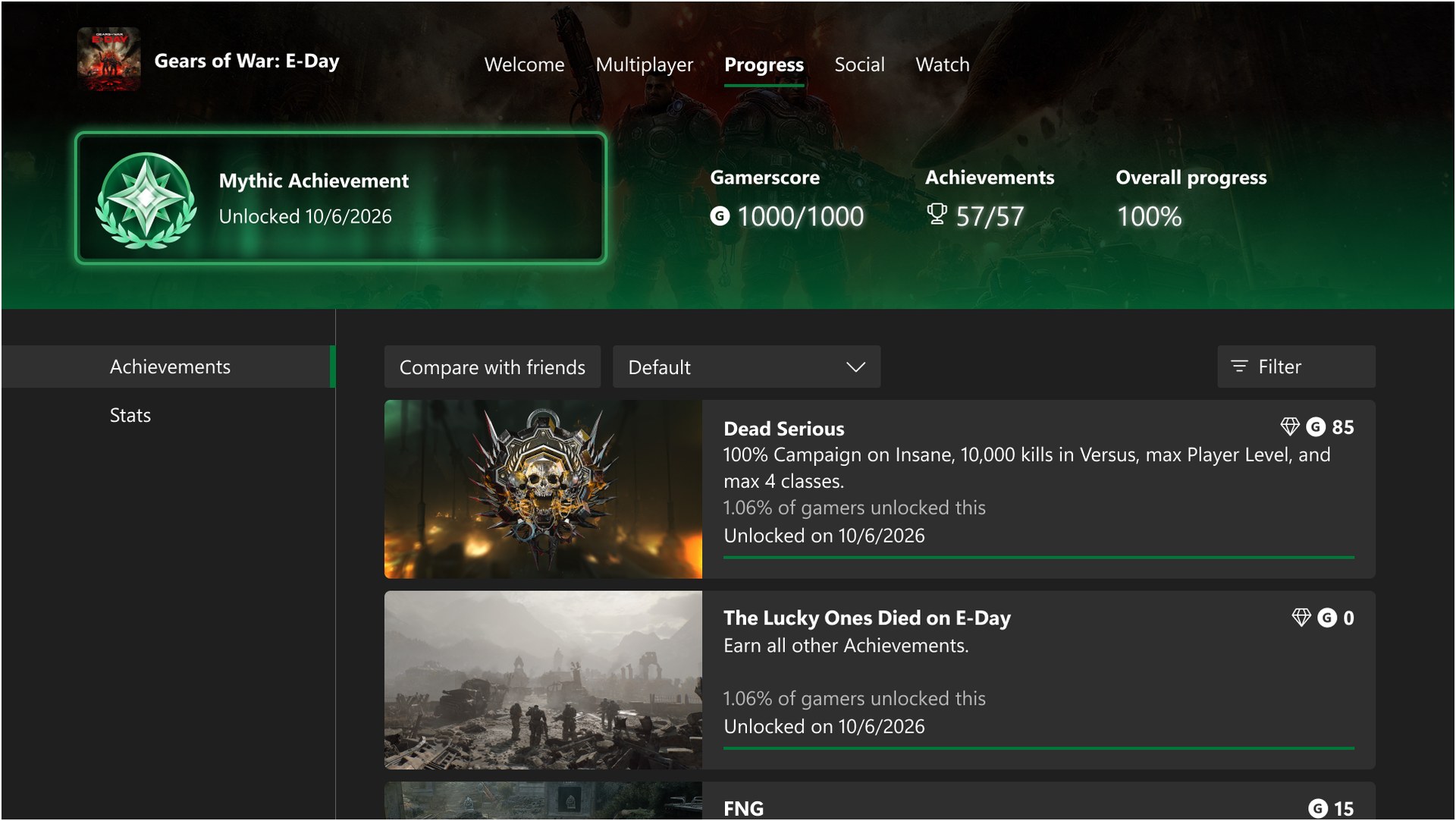
Xbox Mythic Achievements are now rolling out to everyone on Xbox consoles, and you earn one by unlocking every original achievement in a game. Achievements added later through DLC or updates don’t count against you, and once a game hits Mythic, it stays Mythic. Xbox also went back through your history, so games you already completed, including Xbox 360 games, may already have the badge.
Microsoft started rolling out the October console update, OS version 10.0.26100.9647, on the evening of October 28. If it hasn’t installed yet, go to Settings > System > Updates and grab it. You can check which version you’re on under Settings > System > Console info.
How Mythic works
You have to finish the base list, nothing more. Each game’s achievement list now tags anything added after launch as “add-on,” and those are optional for Mythic. That fixes the old problem where a new DLC pack would knock your 100% back down. Steam is chasing the same fix with its Achievement Sets beta, but on Xbox it’s already shipping.
Where to see your progress
Your profile has a new Gaming tab that shows your achievements, your Mythic count, your next Gamerscore milestone badge and the games you’ve completed. Mythic games get a frame so they stand out. You can open a friend’s Gaming tab too and see which of their games went Mythic.
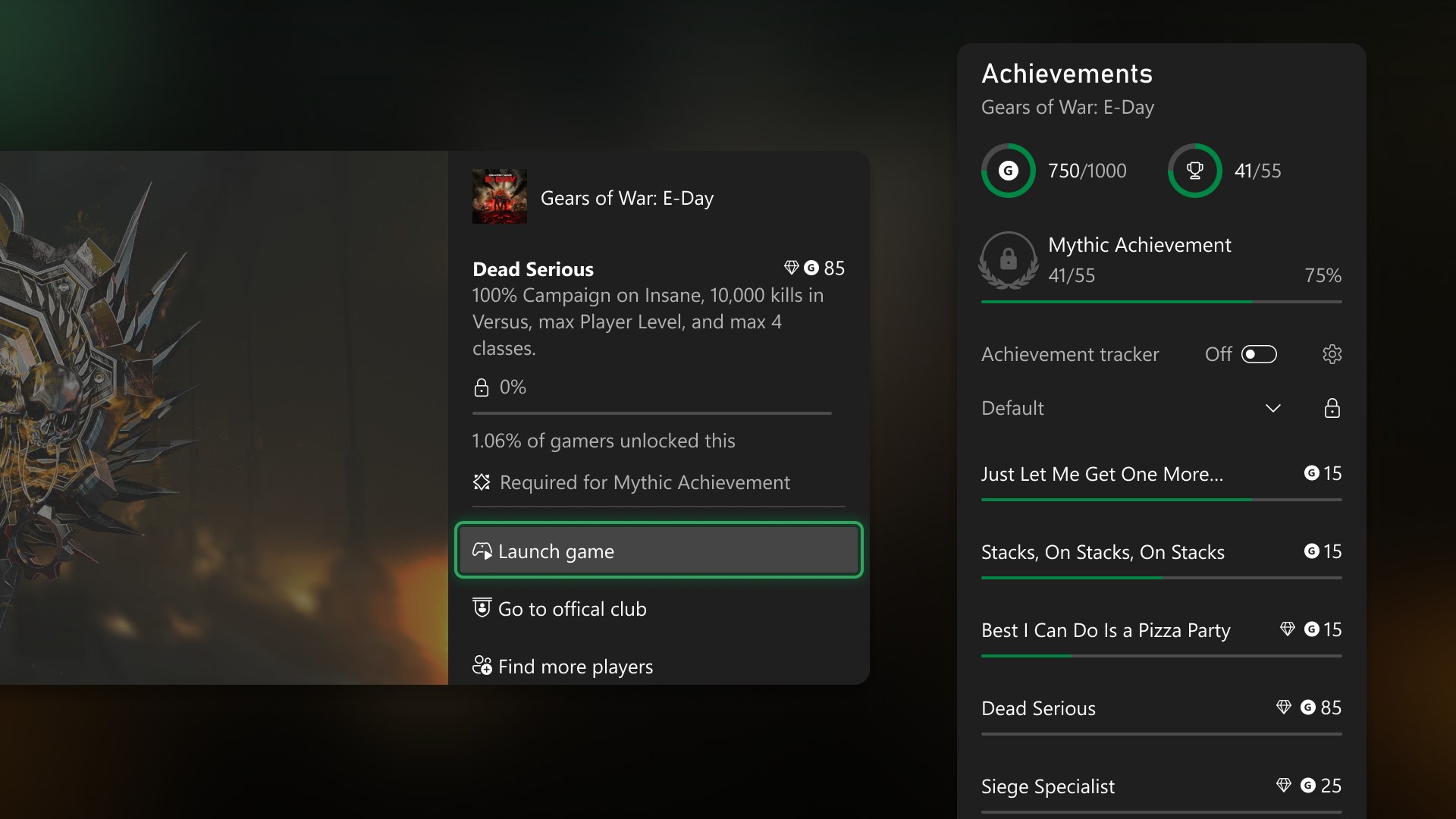
Inside any game’s achievement list, a progress bar at the top shows how close you are, and you can filter the list down to the original achievements you still need. The same progress shows up in the Guide and in achievement details. Your achievement history can now sort games by name, completion percentage, Gamerscore earned or number of achievements unlocked, in either direction, instead of only by last played.
Xbox’s notes cover consoles. They don’t say whether Mythic shows up in the Xbox app on PC or phones yet.
The rest of the October update
The same update also adds:
- Save cleanup. You can view, sort and delete local saves you aren’t using, one at a time or all at once, to free up storage.
- Startup animation. Settings > System > Startup lets you pick a boot animation from any generation since Xbox One. The option to play it without sound moved there too.
- Remote Play. Streaming from your Series X|S to another device now goes up to 1440p with higher bitrates on supported devices. Set the console’s display resolution to 1440p or 4K under Settings > General > TV & display options to get it.
- Cleaner Home. Press Menu on any tile in the recent list to remove it, including Play History, and click the right stick on Home to hide the UI and show just your background.
- Local search. You can search inside My games & apps, club achievement lists and the Gaming tab.
- Badge details. Any badge on a profile now opens a page with high-resolution art and when and how it was unlocked.
If you’ve got a backlog of 360 games you finished years ago, check your profile first. Some of them may already be Mythic.