
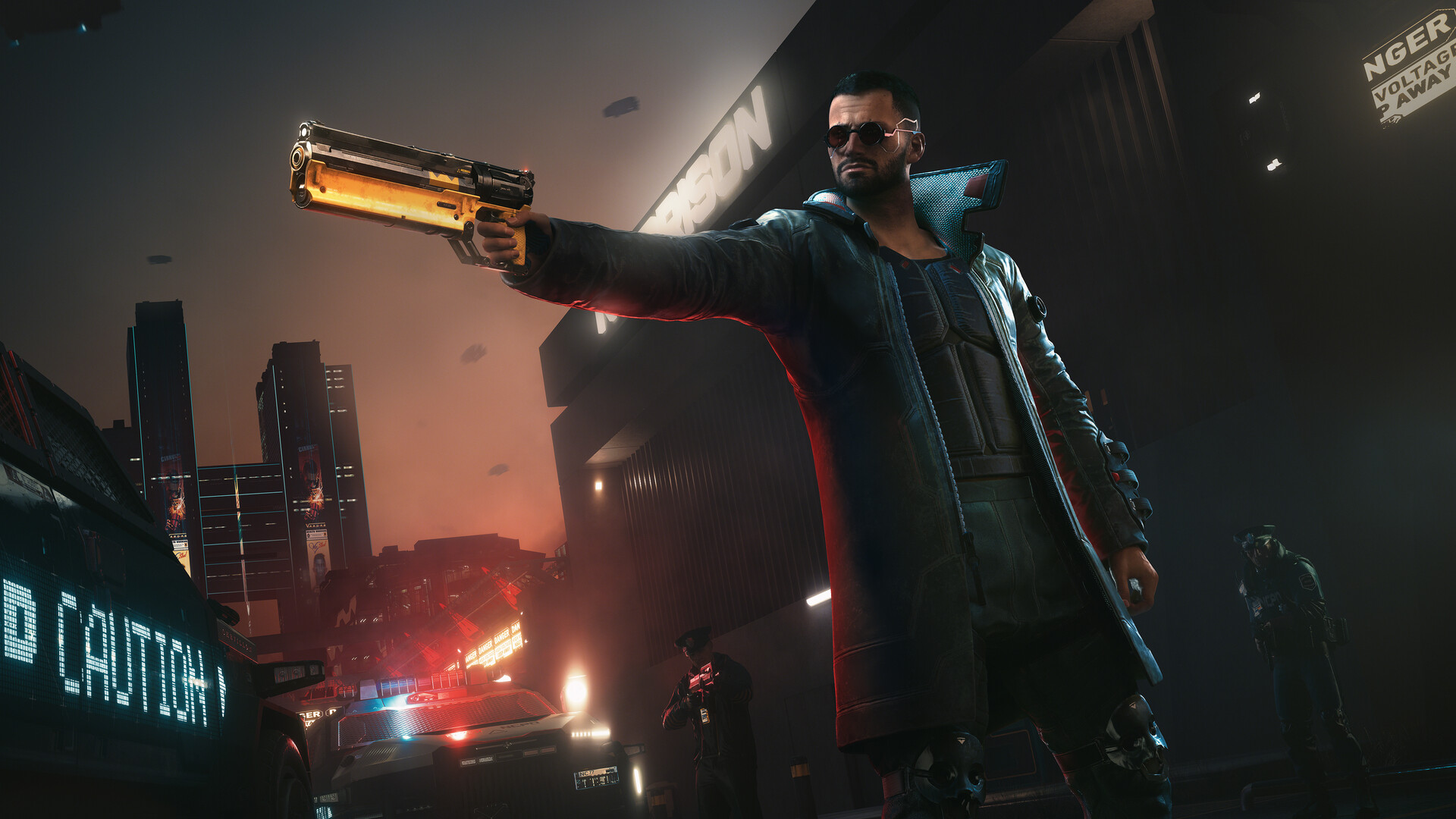
Cyberpunk 2077 2.5 mods now install straight from the main menu on PS5 and Xbox Series X|S, with no files to move around. All you need is a CD PROJEKT RED account linked to mod.io, plus one warning up front: a modded save stops earning trophies and achievements on console.
The Mods menu arrived with Update 2.5, which went live on October 22 on PC, Mac, PS5 and Xbox Series X|S, and our 2.5 patch notes rundown covers everything else it changed. CDPR calls the menu a first step into cross-platform modding, with a selection of player-made mods to start and more added over time. Switch 2 gets the same menu once its version of the update arrives, which CDPR says is coming soon.
How to install mods on console
CDPR’s support page lays out the steps:
- Launch the game and pick Mods from the main menu.
- Log in with your CD PROJEKT RED account, then connect it to mod.io.
- Browse, and hit Subscribe on any mod you want.
- Restart the game.
- Open the Installed section and make sure each mod is listed with its checkbox ticked.
There’s no file juggling, and the same menu works on PS5, PS5 Pro and Xbox Series X|S. If you want to make your own mods, uploading happens on the mod.io website, not in the game.
Trophies and achievements turn off on modded saves
This is the part to think about before you subscribe to anything. On consoles, trophies and achievements are disabled on any modded save file, and a save counts as modded if it was made while mods were enabled. Those saves get a little mod.io cog icon in the Load Game menu so you can tell them apart.
If you’re still chasing a platinum or a full achievement list, keep a clean save going alongside a separate modded one.
Mods and cross-progression
Your mod subscriptions follow your CD PROJEKT RED account. Subscribe on PC, sign in on PS5, and the same mods show up, except any that don’t support consoles, which are skipped. Look for the “Available on consoles” tag on a mod’s page to check before you get attached to it.
Cross-progression saves need the same set of mods on both platforms. If a mod you used on PC isn’t available on console, that save may not load properly when you carry it over, so stick to console-tagged mods on any save you plan to move.
Playing offline
You can load a modded save offline as long as the mods it needs are already installed. You can’t install new mods offline, though, so if a save needs a mod you don’t have, you’ll have to get back online before you can load it.
On PC
PC and Mac players get the same in-game Mods menu. If you’re buying the game on PC, check GOG first. It sells Cyberpunk 2077 DRM-free, so the copy is yours to keep, and Steam is the other main option.
Start with one or two mods on a fresh save, see how they play, and leave your trophy save alone.