
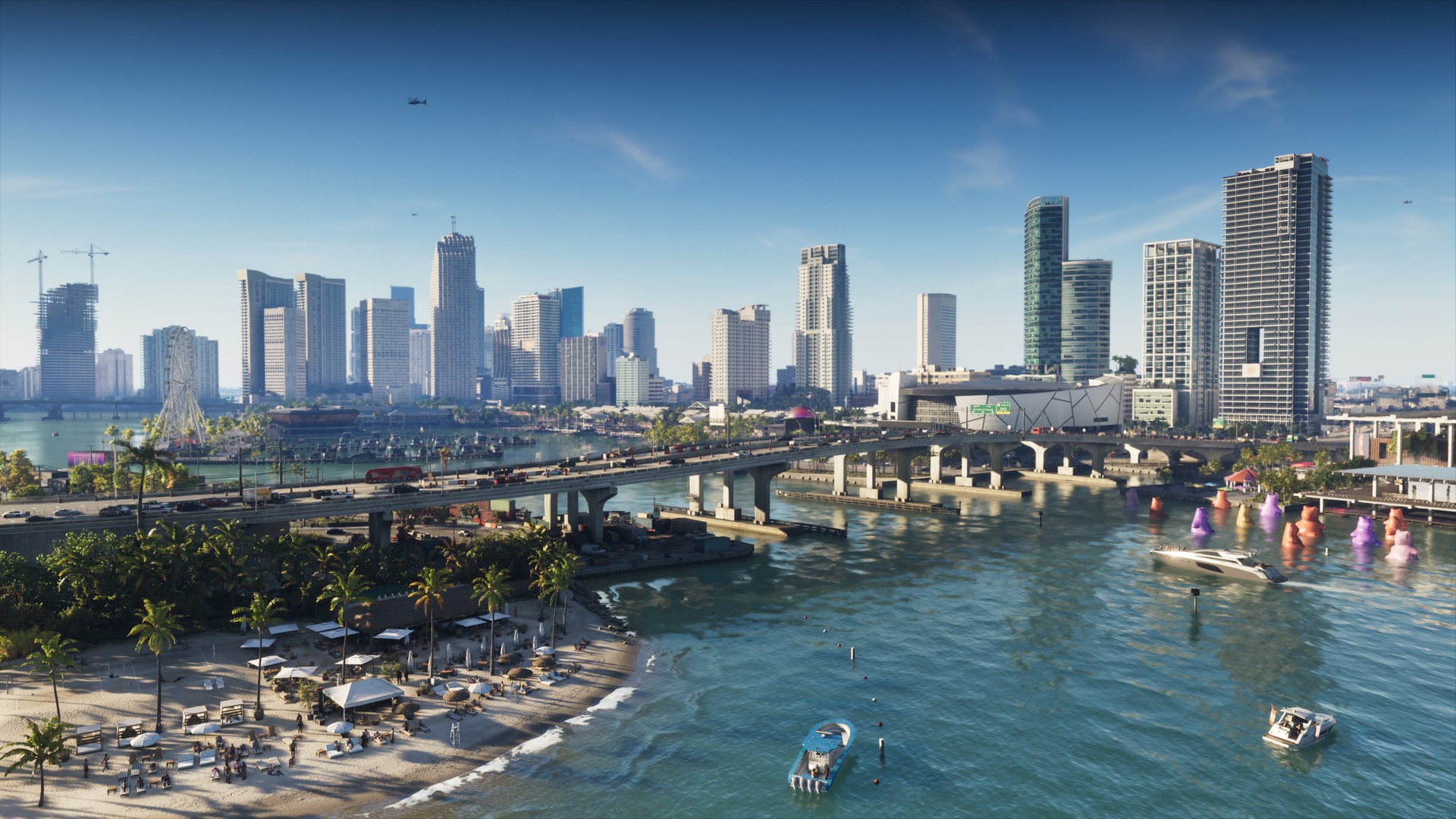
The GTA VI pre-load opens November 10, and Vice City wants a big chunk of your drive: at least 212GB on PS5, per the PlayStation Blog. In the Americas, Xbox players get the green light hours earlier. Clear the space this week and the November 19 launch is just a matter of pressing start.
PS5 Pre-Load Opens at Midnight Local Time on November 10
The PlayStation Blog post on November 3 says pre-orders can start downloading at local midnight on November 10. For a West Coast player, that means 12:00am PST on Tuesday, November 10. The game itself unlocks at midnight local time on November 19.
Pre-ordering is the ticket. Buy through PlayStation Store or a participating retailer, and the Ultimate Edition adds a bonus set of premium vehicles, weapons and apparel.
Xbox Starts at 4pm PST on November 9
Rockstar’s Newswire post puts the Xbox Series X|S pre-load at 12:00am GMT on November 10, globally. Convert that and US Xbox owners can start at 4:00pm PST on Monday, November 9, about eight hours ahead of PS5 players on Pacific time.
Rockstar also says code-in-box copies reach retailers from November 12. That code can’t start a download until it’s in your hands, so a digital pre-order is the only way to get the head start.
Plan for the Full 212GB on Either Console
Rockstar lists the file as up to 212GB depending on your device and hasn’t split that out by console, and PlayStation tells PS5 owners to clear at least that much. Treat 212GB as the number on Xbox too.
The figure on the box isn’t what you get to use. Part of every console SSD is reserved for system software, so the free space your console reports is the number that matters. On PS5, open Settings > Storage. On Xbox, check the storage page in Settings before you start deleting.
The 512GB Series S is the tight one. GTA VI alone asks for more than 40 percent of the drive’s listed capacity before the system takes its share, so a full Series S will need serious clearing.
Leave some headroom on top of 212GB. Day-one patches and the shuffle of an install in progress need breathing room.
The M.2 Rules for PS5 Expansion
If deleting games isn’t the plan, PlayStation’s M.2 support page lists what the PS5 will take:
- A PCIe Gen4 x4 M.2 NVMe SSD (SATA M.2 drives won’t work)
- 250GB to 8TB capacity
- Sizes 2230, 2242, 2260, 2280 or 22110
- A heatsink or other cooling structure
- 5,500MB/s or faster recommended
Once it’s installed, set Settings > Storage > Installation Location so the download lands on the new drive.
USB drives are a parking lot, not a garage. Move older PS5 games to a USB drive to free internal space, and copy them back when you want to play.
Xbox Plays Optimized Games Only From Internal or the Expansion Card
Microsoft’s storage primer sets the rule: games Optimized for Series X|S run only from the internal SSD or a Storage Expansion Card. A USB 3.1 drive can hold them while you make room, then you move them back to play.
That makes a USB drive the cheap Series S trick this month. Shove a few big installs onto it, let GTA VI take the internal space, and pull the others back later without re-downloading them.
Free Poster and Leonida Map on November 19
Rockstar’s announcement adds a launch-day extra. A printable cover-art poster and a Leonida map go up as a free download on November 19. A double-sided physical poster costs $0.99, or comes free with any Rockstar Store purchase.
Rewatch the GTA VI launch trailer while the bar fills. Leonida is almost open.